PayTo is a secure way to manage and approve payments directly from your bank account—all from within your online or mobile banking app. It puts you in full control of who can debit your account and when.
When you set up rent with Rentfree, we’ll send a PayTo authorisation request to your bank using your PayID or your BSB and account number. Once you approve it, your rent payments will be processed automatically, exactly as scheduled—no manual transfers, no stress.
You can view, pause, or cancel the agreement anytime through your banking app or from the Rentfree app.
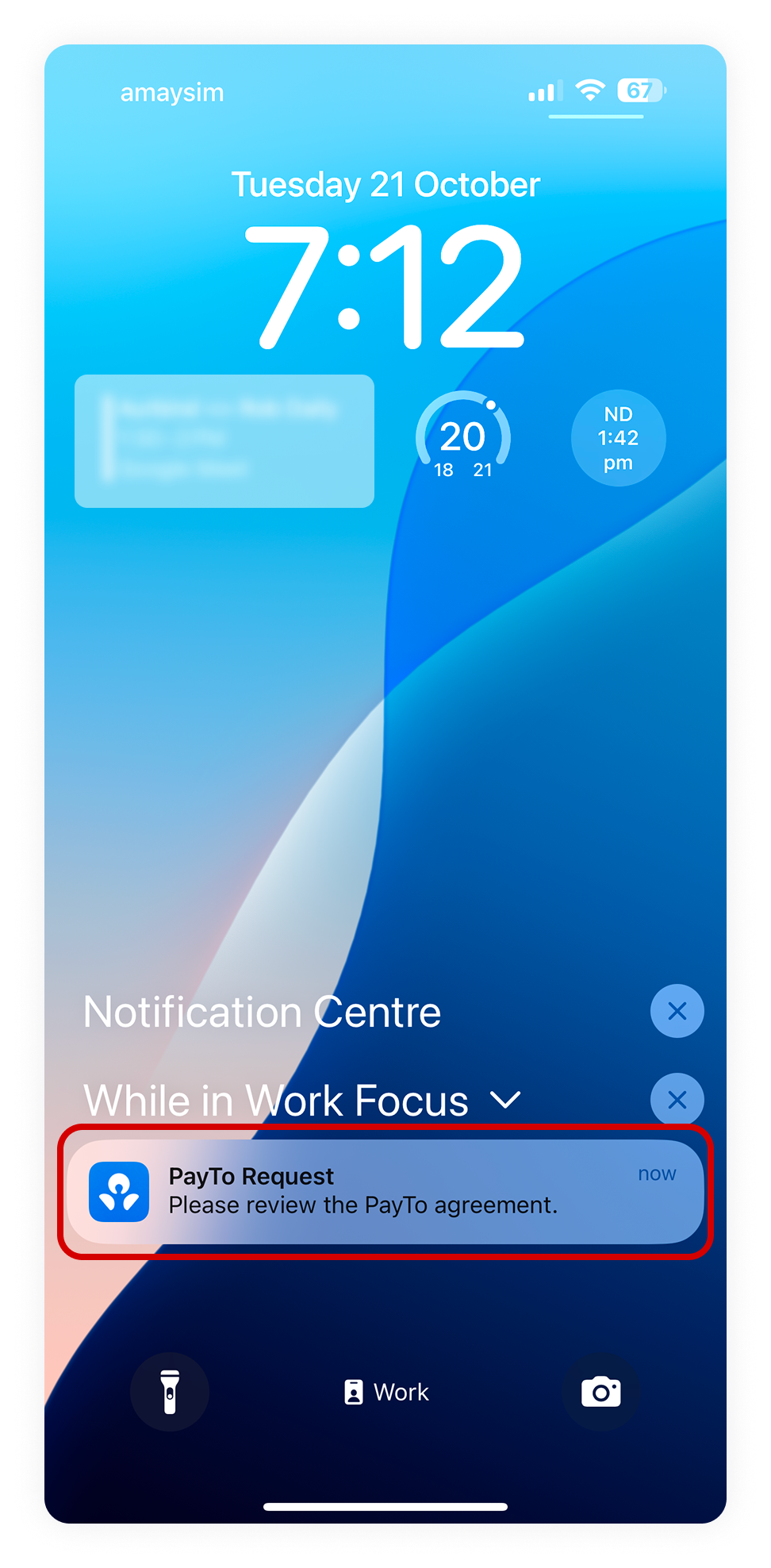
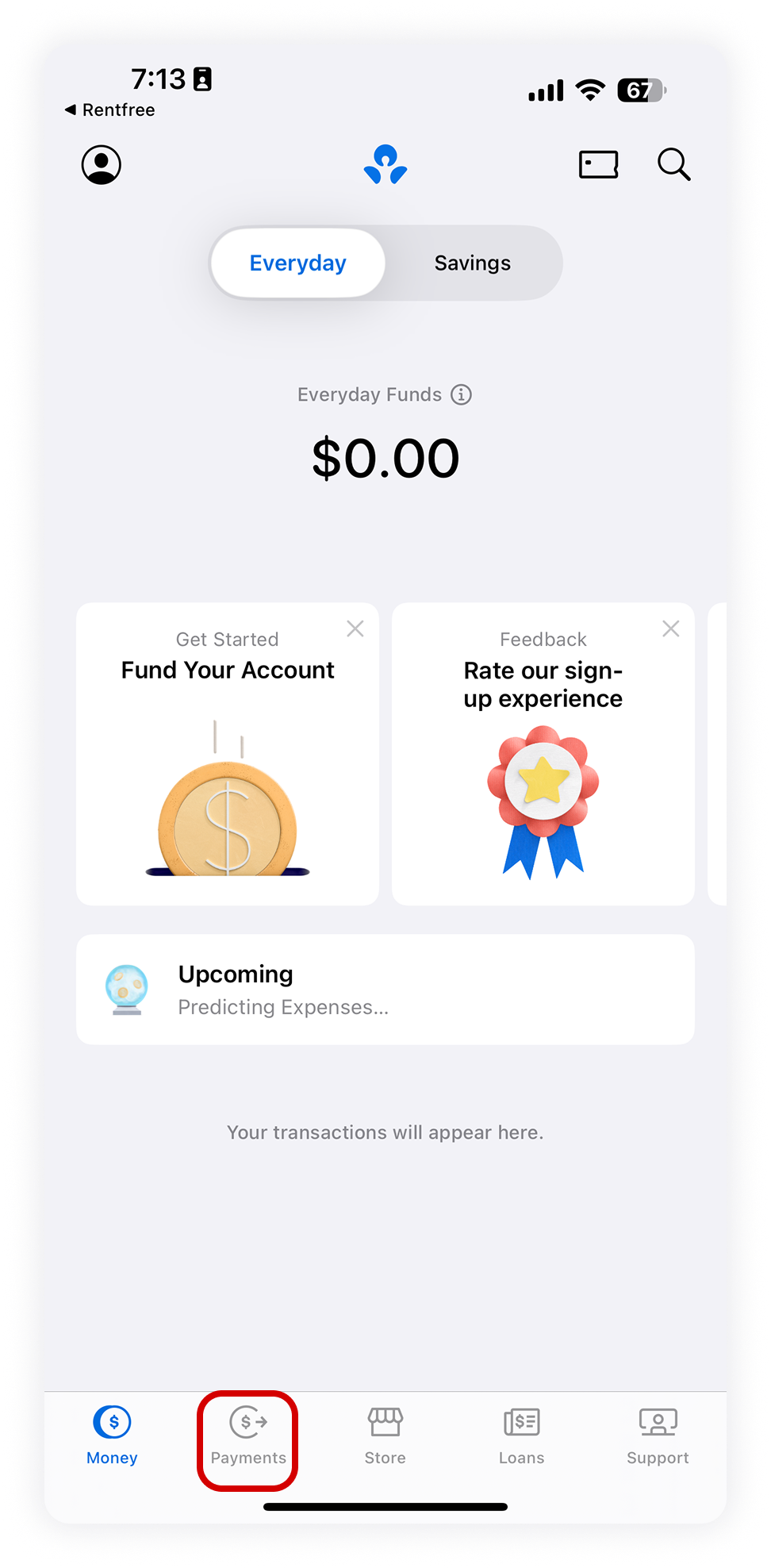
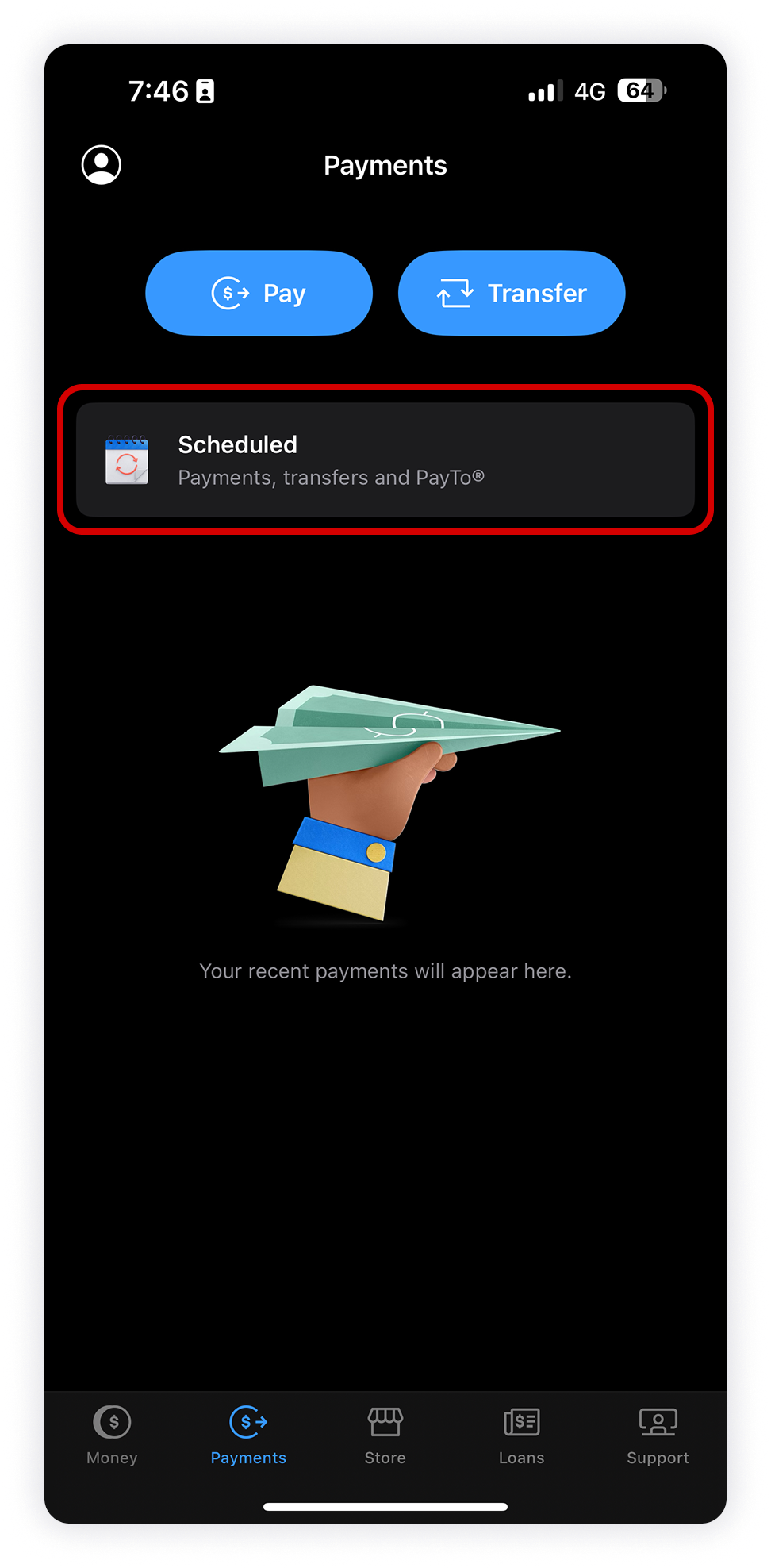
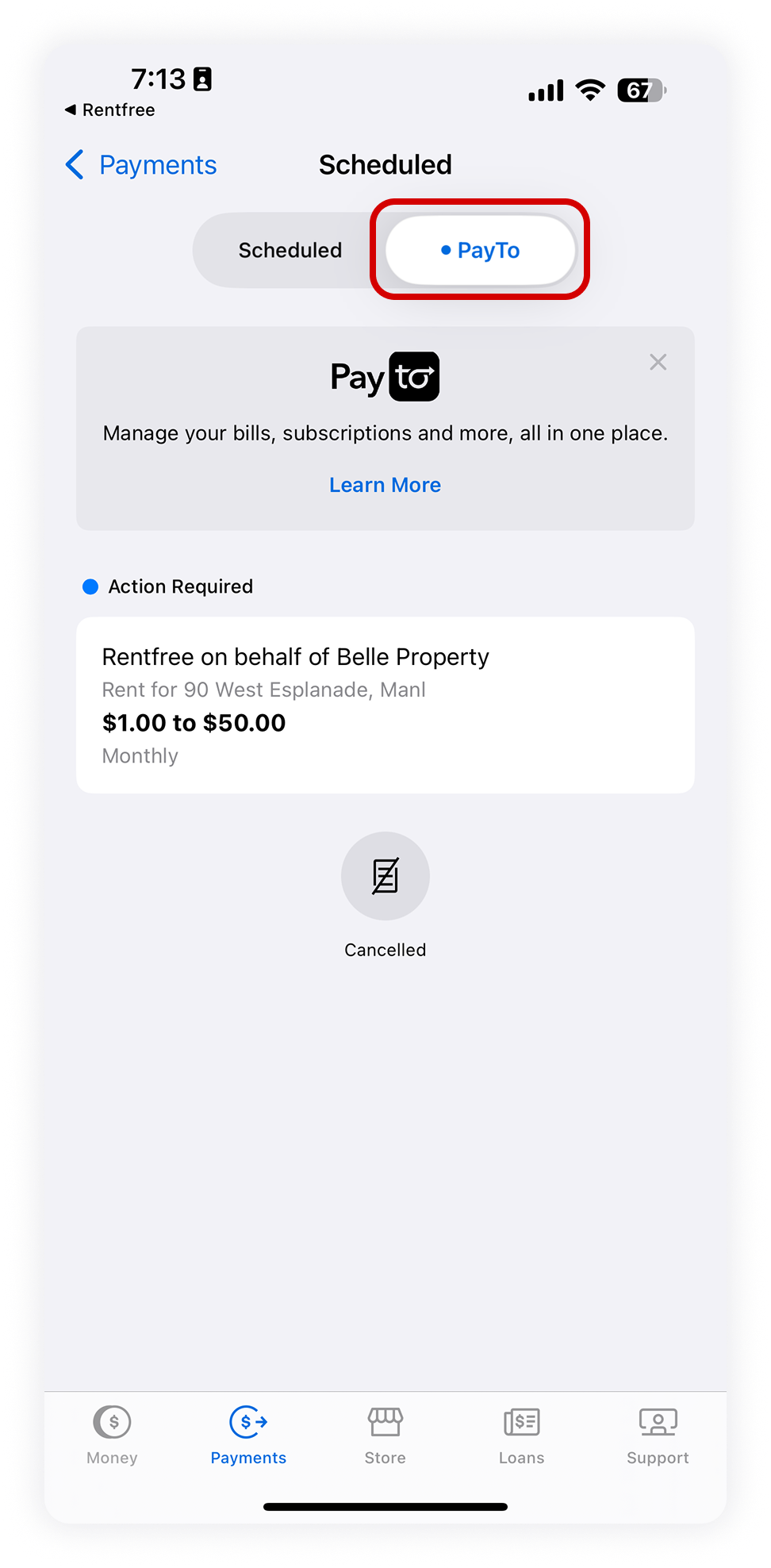
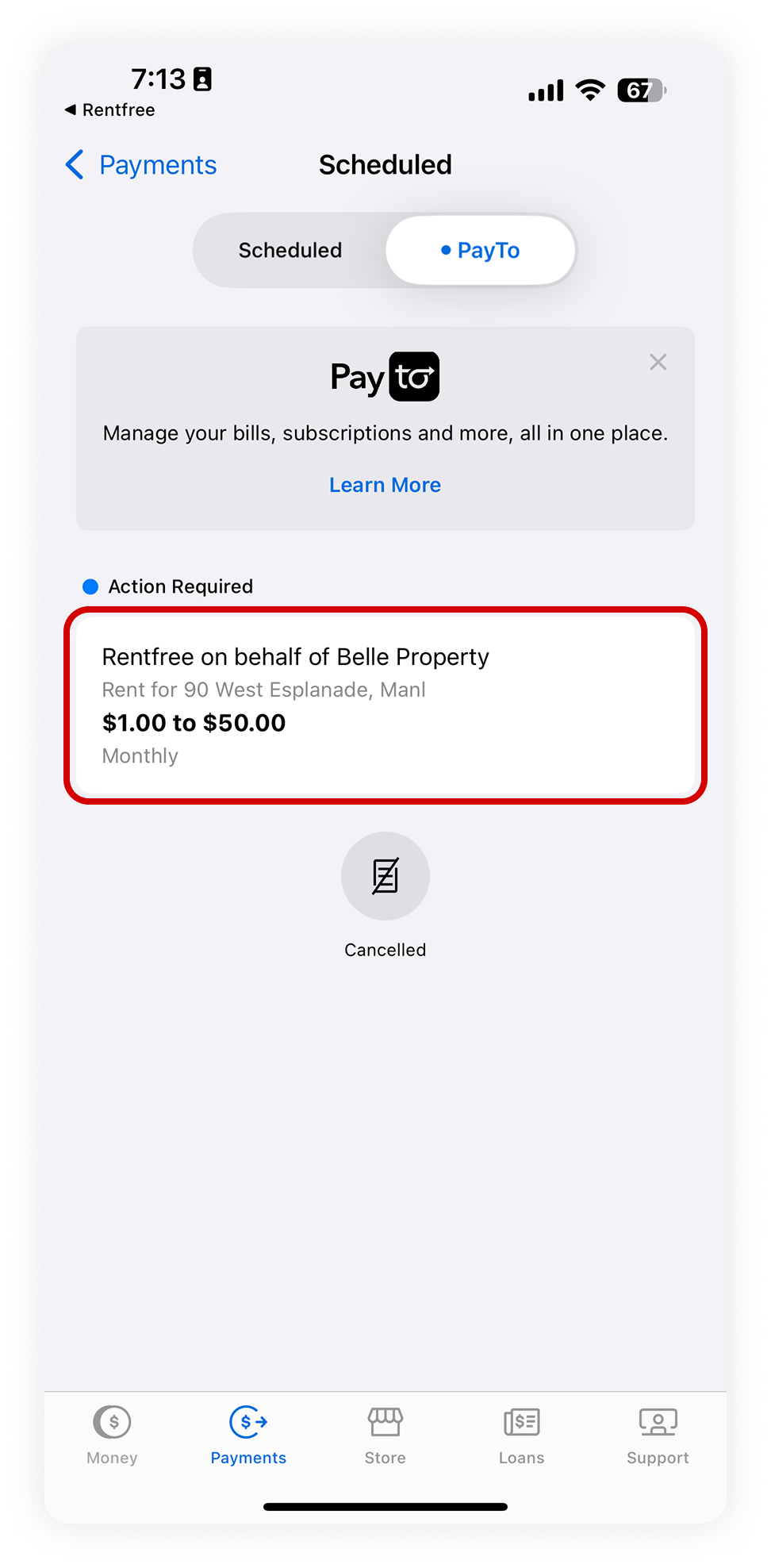
 Tip: In most cases, you’ll get a notification from the ANZ Plus app. Simply open it and approve the PayTo agreement. If you don’t see a notification, follow the instructions below.